
Ear training
The Ear Gym
Intervals, chords, scales, rhythm, solfege and perfect pitch with Guided Mode.


Offline guitar workbench
3D chords, a real tab editor, and every guitar tool in one place.
Spin any voicing 360°, learn the fretboard, write tablature, transcribe with the mic, and keep a tuner and metronome in your pocket — all offline, no account, no subscription.
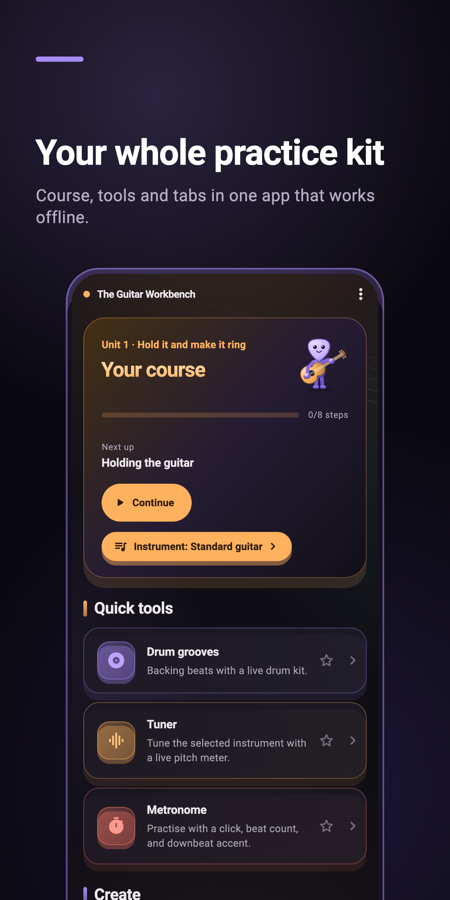
Chord finder, fretboard trainer, tab editor, scales, tuner, metronome and a guided course — built for guitar, bass and other fretted instruments.
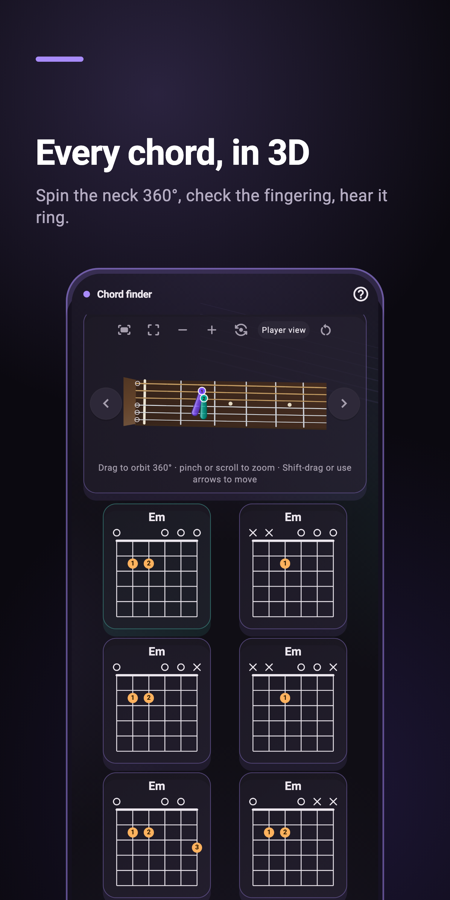
Spin the neck 360°, compare voicings, read clear diagrams, and hear each shape before you play it — major through extended chords.
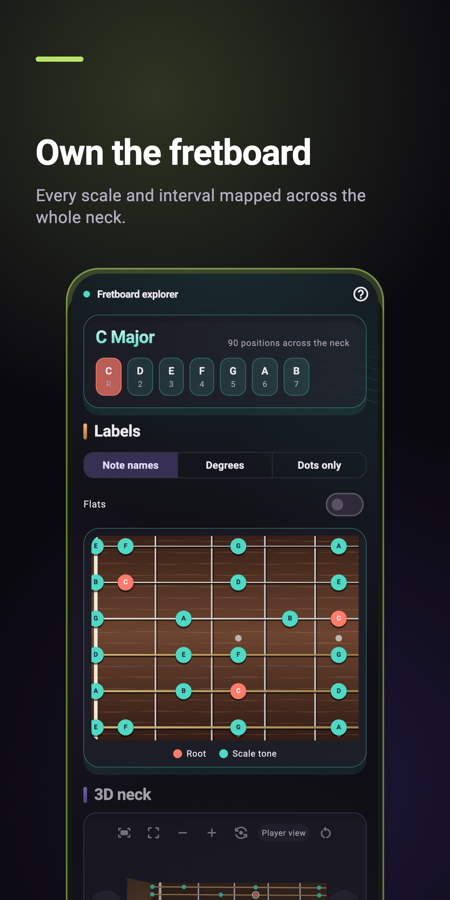
Drill notes position by position, map intervals and scale patterns, and connect CAGED shapes up the neck in any tuning.
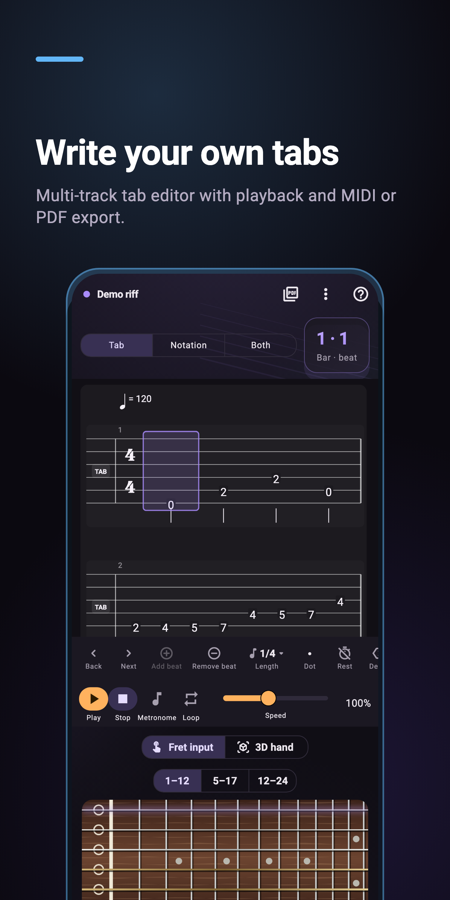
Write multi-track tablature, play it back, loop it, export PDF or MIDI, and turn microphone ideas into editable guitar tab.
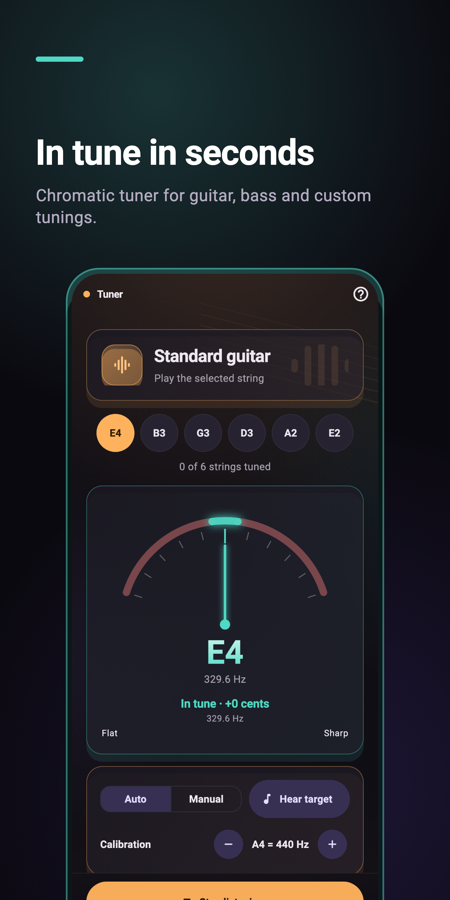
Chromatic tuner, alternate tunings, metronome with accents, drum grooves, and a guided course that starts with one clean note.
The Guitar Workbench replaces a folder of single-purpose apps. Use a 3D guitar chord finder, fretboard trainer, guitar tab editor, scale and arpeggio practice, chromatic tuner and metronome in one offline workbench. It is built for acoustic and electric guitar, bass, 7-string, baritone and ukulele — with left-handed layouts and custom tunings. Free to start, with an optional one-time unlock instead of a subscription.
An offline guitar practice and writing app: 3D chord finder, fretboard trainer, tab editor, scales, tuner, metronome and a guided course for iPhone, iPad and Android.
Both. The creator suite is a multi-track tab and notation editor, and the workbench also includes a 3D chord finder, fretboard trainer and daily tools.
Yes. Core tools and your scores work offline. No account is required.
No. The app is free to use, with one optional one-time Pro unlock.
Yes. Download The Guitar Workbench on the App Store and Google Play.
Train your ear and your timing with two sibling apps — download them from the App Store or Google Play.
Ear training
Intervals, chords, scales, rhythm, solfege and perfect pitch with Guided Mode.

Rhythm trainer
Hear, read and tap rhythm with early/late timing feedback and a pro metronome.
Free to start on iPhone, iPad, and Android.